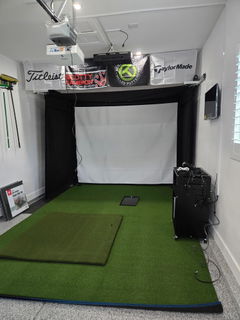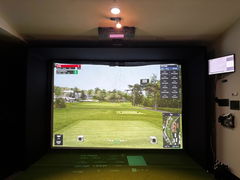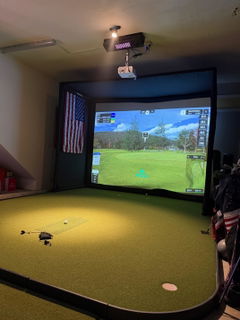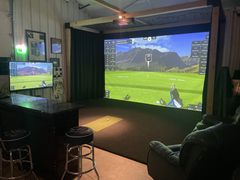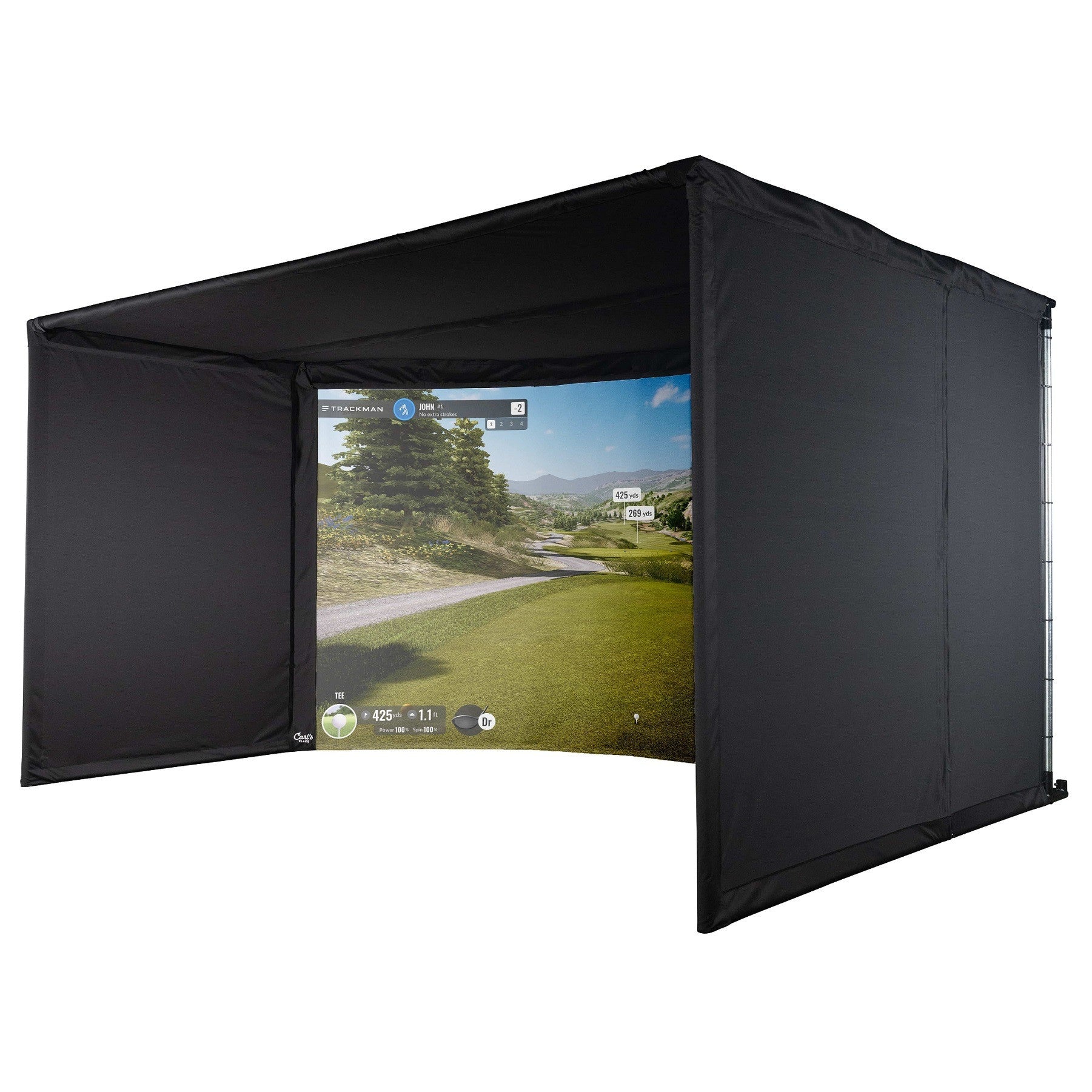


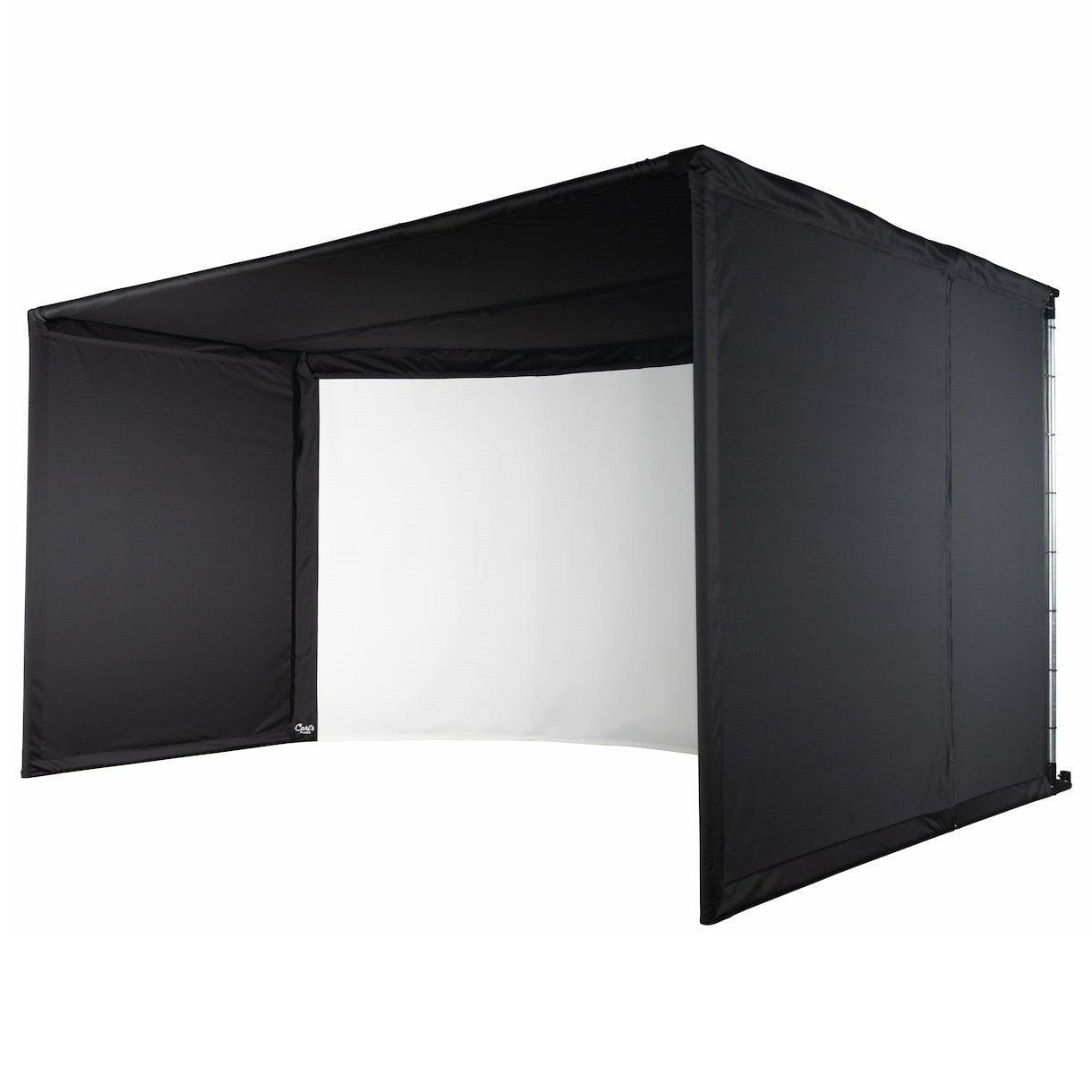
Carl's Place Curved Enclosure Kit
Designed for serious golfers and simulation enthusiasts alike, this curved enclosure delivers a panoramic view that wraps around your field of vision for a more immersive and realistic play experience. Built with durable materials and professional-grade craftsmanship, it’s ideal for both home installations and commercial simulator bays.
What's Included
- Premium Golf Impact Screen: Crafted from three layers of heavy-duty, tightly woven, impact-resistant polyester, this screen offers the smoothest surface on the market for full-impact play. In your choice of White or High-Contrast Gray.
- Blackstop™ Fabric: Premium fabric designed for golf simulators, offering unmatched durability and a sleek, light-absorbing effect. It minimizes distractions, creating an immersive, long-lasting setup perfect for any golfer.
- Steel Fittings: The Curved Enclosure Kit includes steel fittings and elbows for all frame joints and corners. Pipes are sold separately.
- Foam Inserts: Protect the frame from shanked shots with rolls of foam you can insert behind the screen flaps
- Ball Bungees and Zip Ties: All necessary fasteners, allowing you to customize your screen tension.
What's Not Included
Some items for Carl's Curved Golf Simulator Enclosure Kit are sold separately.
- Pipe kit to build your frame
- Back cover and back cover pipe kit
- Baffles
Contact us for pricing for each item
Curved Golf Enclosure Features
User-Friendly Installation:
Easy-to-follow instructions allow for quick assembly, making it accessible for anyone with basic handy skills to create their personalized golfing space.
Enhanced Field of View for Total Immersion:
The curved design offers a wider visual range, making it feel as if you’re on the green, providing an engaging, panoramic view.
Popular Applications:
Perfect for high-end residential setups and commercial spaces, bringing luxury golf simulation to various environments.
Go Big AND Go Curved:
Want the freedom to swing in or outside the enclosure? Carl's Curved Golf Enclosures let you choose, with sizes that fit any large home or commercial spaces.
Resources
Curved Golf Enclosure Setup
See our team build the Curved Golf Enclosure
EMT Requirements:
Unless you've selected the Pipe Framing Kit add-on, you'll need to purchase 2-inch EMT (electrical metal tubing) from your local hardware store to complete your frame. We'll include all details on what lengths and quantities of EMT are required.
Please note, 2-inch EMT is the US trade name of the material, however, the true outer diameter is 2.197″ or 55.8mm.
Carl's Place Curved Enclosure Kit
FAQs
How far away should I stand from my impact screen?
For the safety of both the golfer and the screen, we recommend standing a minimum of 10-12 feet away from the screen.
Can I wash my golf screen material?
Check out this article for all our recommendations on 'How to Clean Your Golf Impact Screen'
Are there safety concerns when using a golf simulator?
We want your indoor golf set up to be fun, help improve your game, and be safe for everyone.
- Make sure to follow the assembly manual provided with your enclosure.
- Keep children, pets, and spectators out of swing range.
- Protect ceilings, walls, windows, cars & neighboring homes.
- Understand the Terms of Sale of using a Carl's Place product.
Do I need to use a golf hitting mat?
Golf hitting mats give you a nice cushy surface to stand and swing your golf club. They help protect your joints from any impact during your swing. They also let you have a more realistic golf practice when you can tee up the golf ball at the perfect height and swing freely.
When choosing a size for your golf mat consider the golfer's needs. A size of 4'x5' will let most golfers swing a driver with their heels comfortably on the edge of the mat. A larger size, 5'x7' or 4'x9', would be able to accommodate golfers with a wide stance or if you have friends over swinging either rightie or leftie.
What is the difference between Carl's Enclosure Kits?
Carl's DIY Golf Enclosure Kit offers you an easy, entry-level way to build a safe place to swing your clubs. An affordable, convenient kit, the DIY Enclosure Kit helps home golfers take the guesswork out of designing their own golf simulator.
Carl's Pro Golf Enclosure Kit is a higher-end enclosure for top-of-the-line performance in a golf simulator. Because it's available in wider, deeper bays with additional safety features it makes the best commercial golf simulator enclosure.
Carl's Curved Golf Enclosure Kit takes the Pro Enclosure’s sturdy design to the next level, adding a seamless curved screen for a truly immersive experience. Its unique structure surrounds the golfer, creating a lifelike, panoramic view that’s as impressive as it is functional.
Not sure which one is for you? Check out this article 'DIY vs. Pro' to help you decide.
How much space do I need for the enclosure?
When measuring for a golf simulator, make sure you take into account:
- Buffer space: You don't want your golf simulator right up next to any walls or ceiling. Balls that contact the walls or ceiling can cause damage and have unwanted bounce back.
- Footprint of the golf enclosure: Make sure to check the actual dimensions of the enclosure footprint. Our C-Series enclosures have built-in buffer space in the rear with the backset rear fitting.
- Safe golfing distance away from the screen: For the safety of both the golfer and the screen, we recommend standing a minimum distance of 10 to 12 feet away from the screen.
- Height of the golfer(s)
- Length of the golf club(s)
- Turf thickness, heating ducts, and soffits
- Furniture and access to doorways
For complete guidelines on proper spacing for a golf simulator, check out our article 'Measuring Your Space for an Indoor Golf Simulator'.
What if the black enclosure material gets hit with a golf ball?
The enclosure material is not designed to take a direct hit from a golf ball. However, if you hit the white impact screen, and it bounces and hits the enclosure, you should not experience any issues.
Can I get a replacement screen for the enclosure?
We can easily make you a replacement screen to save you money. Replacement screens can be ordered by contacting one of our Customer Service Team Members. You can also call us at 608-352-0002. Learn more information about extending the life of your golf screen.
You can also check out our Clearance section to see if you can snag a deal on a replacement golf screen that fits your setup.
What are EMT pipes?
EMT stands for Electrical Metal Tubing, also known as, Electrical Metal Conduit. We often just refer to them as pipes on our website.
You need EMT (pipes) to build the frame for your enclosure/screen. Do not mistake PVC pipes for EMT. PVC will not work with our fittings. You have 2 options on how to get the necessary pipes:
- Add a Pipe Framing Kit. (You'll see these as accessories on our DIY and Pro Golf Enclosure Kits.
- Source EMT pipes at your local building supply store.DIY Enclosures require 1″ EMT.Pro and Curved Enclosures require 2" EMT which can be more difficult to find. Make sure you have a source for your EMT when selecting whether you want to add on our Pipe Framing Kit options.
How long does it take to assemble the enclosure?
Carl's Place Curved Golf Simulator Enclosure Kits assemble in approximately 4 hours. It's best if you have a couple helpers, especially for lifting and connecting pipes for the frame. See our assembly article for more info.
Is Carl's curved golf simulator really DIY
Absolutely! You will need at least two people to do the assembly. But, if you can put together a European dresser following picture-only guides and only throw one busted cam bolt across the room, you got this.
What pipes do I need to construct the enclosure kit frame?
Our Curved Golf Enclosures require 2-inch EMT ((Electrical Metal Tubing/Conduit). We recommend you add a Pipe Framing Kit to your order so you get pre-cut, perfectly sized, and marked pipes for your enclosure frame. That way all you have to do is assemble your frame and enclosure.
Note, these pipes can be difficult to source locally. Be sure you can purchase it near you before making your final buying decision. Either way, we will provide a diagram indicating the required cut lengths for your specific size kit.
Orders with a 'Pipe Framing Kit' ship freight. If you are unable to unload a pallet of 50lb boxes, you should add lift gate service. If you are outside of the US, freight shipping the Pipe Framing Kit may be cost-prohibitive.
Does a curved golf simulator require a special projector?
For the best image, where the image aligns seamlessly with the curved screen, you have two options:
- Use a projector with built-in image warping capabilities.
Carl's Place offers the BenQ AK700ST, and BenQ LK936ST, and LG ProBeam BU53RG projectors, which all have integrated warping capabilities. - Pair any standard projector with warping software, such as Immersive Display Pro. Screen warping software allows you to “pinch” the projected image to accommodate the depth in the curve.
Important Note: When mounting your projector, measure the distance to the leading (front) edge of the curved screen closest to the golfer, NOT the deepest part of the curve.